The problem. In our apartment’s entry there is a light that every one forgets to turn off. Annoying at least. I was thinking to automate the roof light, but I couldn’t find how to hide everything in the ceiling light fixture.
The approach that seem more designer/aesthetics friendly, was to add another fixture on that utility closet we have in the entry room. It servers also as router’s home, with the cooling fan I added two summer’s ago. There is room for electronics, to mount the fixture, power line, perfect spot.
I found that old IKEA fixture and modified it’s base and I was able to secure it on the wood up there.
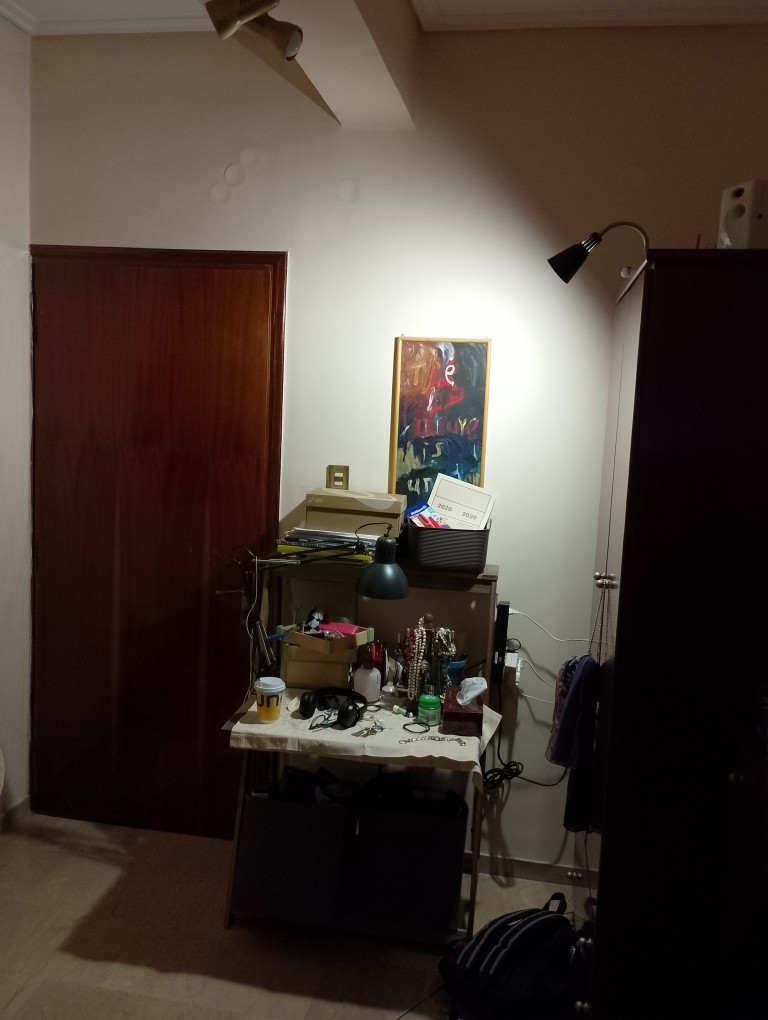
This was the project for, I was sourcing those mmwave human presence sensors that failed. The PIR module thou, worked fine. After a test run on controlled environment, it shown that can be a perfect control module for my project.
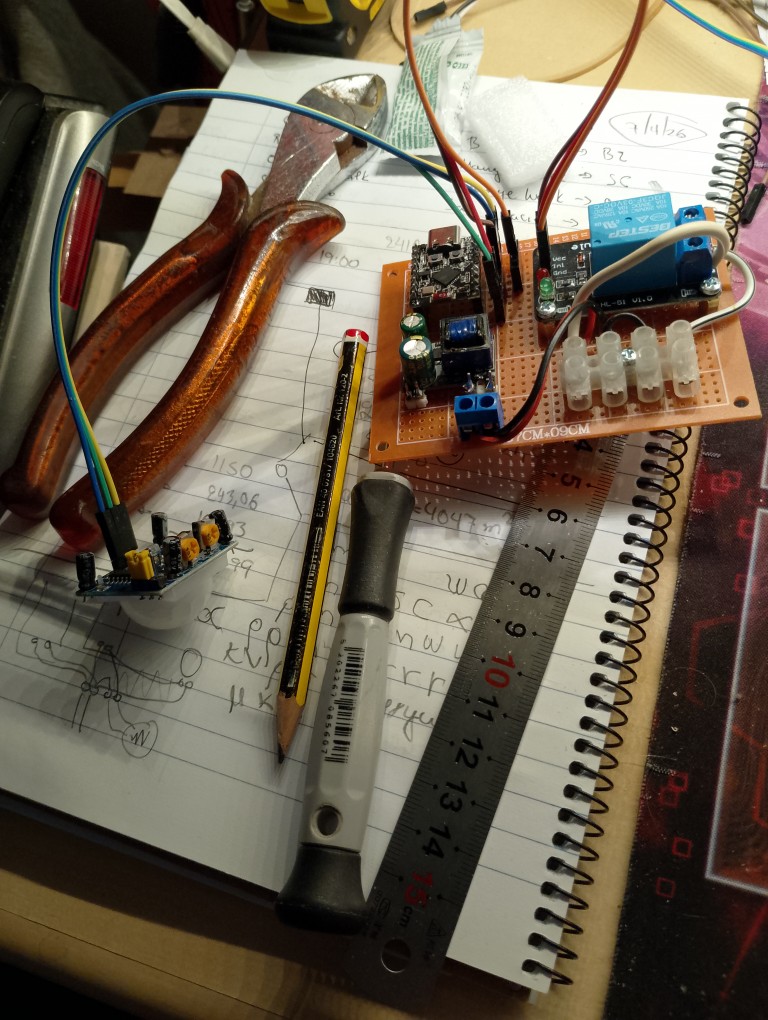
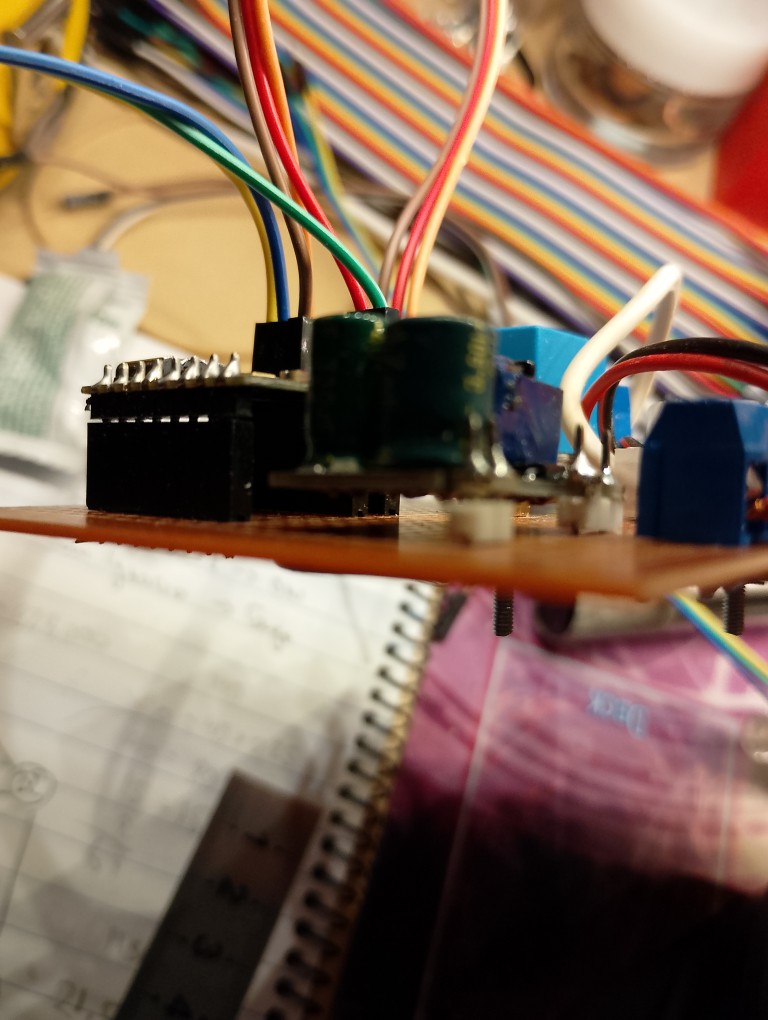
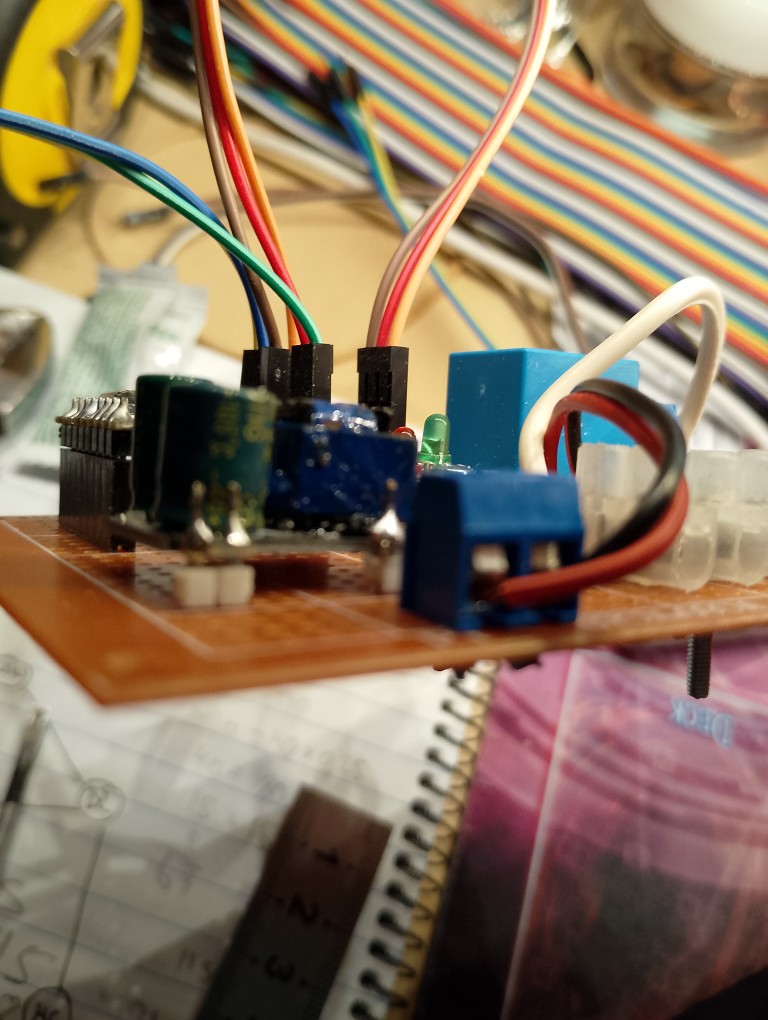
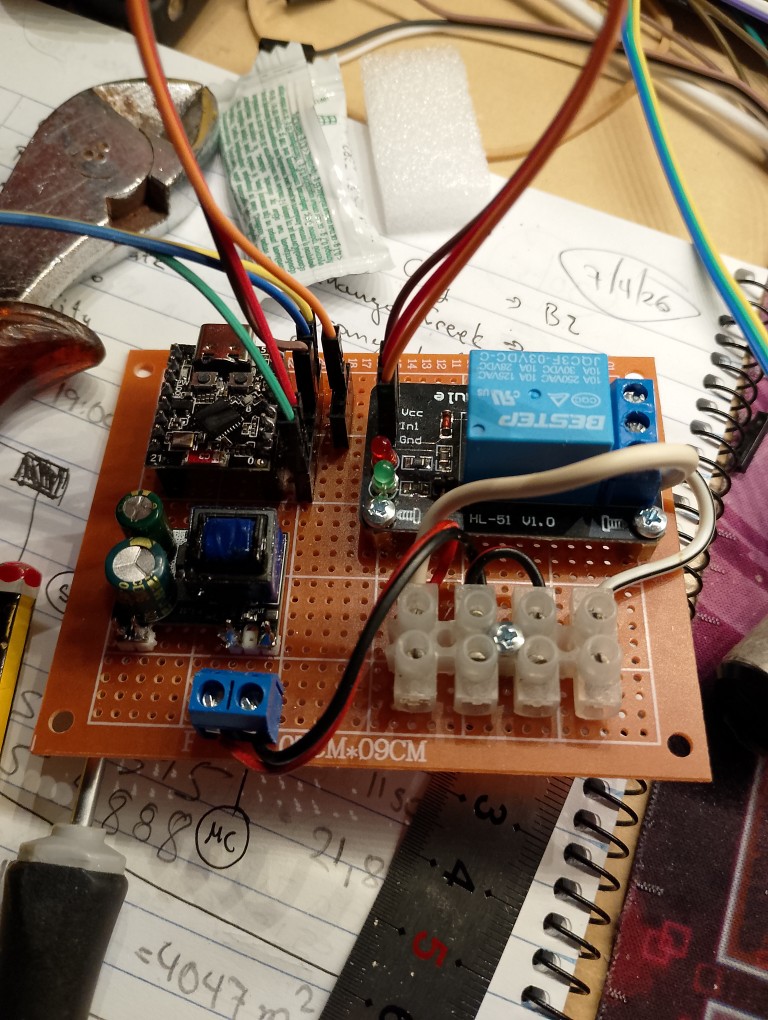
Parts (total cost around 10€ + lots of fun)
- Relay module (2.30€)
- Back converter (2.16€)
- PIR motion sensor (1.39€)
- ESP32 C3 supermini (~3.00€)
- Perfboard (~0.50€)
- Screws
- Raisers
- connectors
- cables
- an old IKEA desk lamp, that is not in their catalog anymore.
After a test circuit and testing, I made it a bit more compact and property packed. No closure is required, up there no hand is put. Only me, doing maintenance. I don’t like those very long dupont cables, but I didn’t have time during Easter day to shorten them.
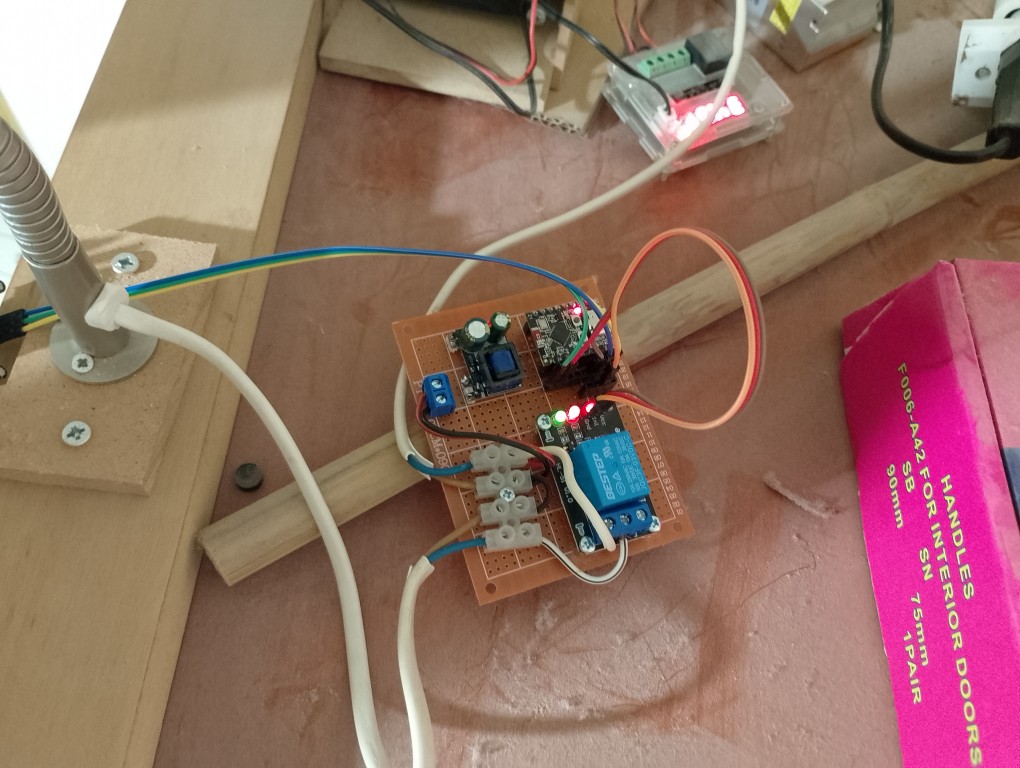
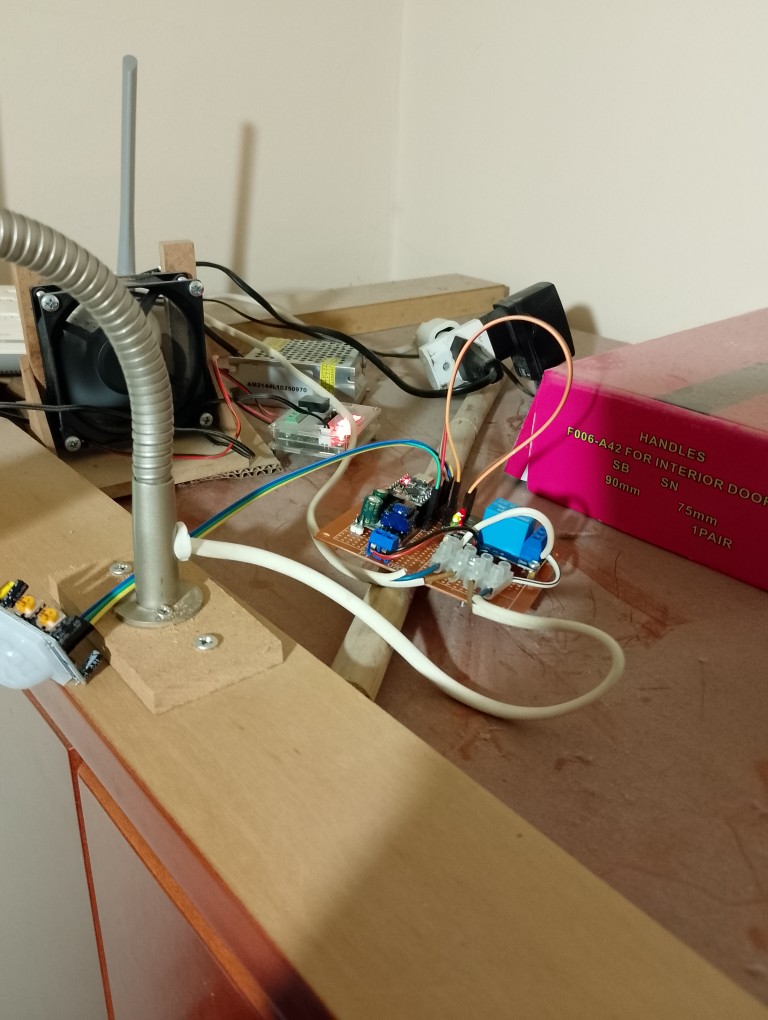
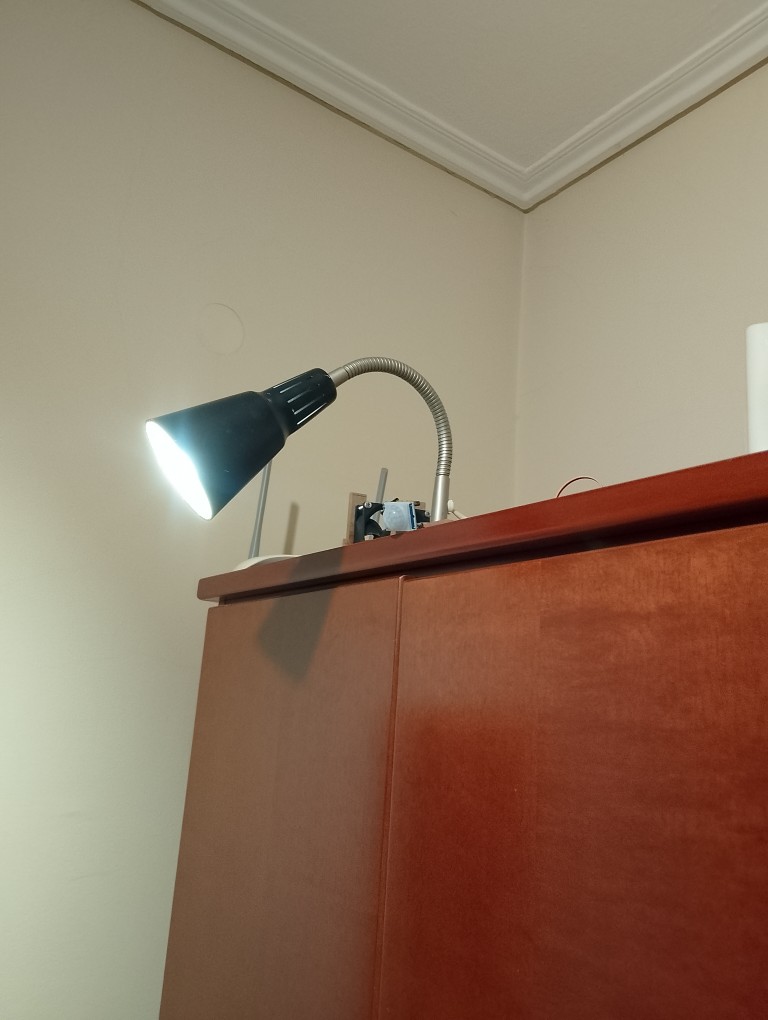
Every thing installed and tested.
I used for first time in this project a voltage converter to power ESP32 with 5V. Also powers PIR sensor works with 5V. So there is no USB charger in this project. All powered with one power cord from the 220V plug.
The modification to the IKEA light thing, came out nice. It is mounted firmly. I still haven’t come up with a design for a base for the sensor. The screw holes are almost useless.
The PIR sensor does the job perfectly. Not as precise as mmWave expected to be. But costs a fraction of the price and works! Important note about the PIR sensor. It has a jumper to select trigger mode. If set to not repeatable trigger mode it work as switch. Also keep in mind that the sensor scans for IR change every 3 seconds. The 1 second I have set in the loop is maybe small, but I want it to sense as fast a possible the change in the sensor.
I am sharing a moment from early tests.
The code that makes it work.
import board
import time
import digitalio
import gc

pin = digitalio.DigitalInOut(board.IO21)
pin.direction = digitalio.Direction.INPUT

led_pin = digitalio.DigitalInOut(board.IO0)
led_pin.direction = digitalio.Direction.OUTPUT

turnoff_time = 0
prev_value = False
light_state = False
delay = 30

gc.enable()

while True:
    action = ''
    pin_value = pin.value
    if pin_value!=prev_value:
        if not pin_value:
            action = "off"
        if pin_value:
            action = "on"
            turnoff_time = time.time()+delay
    elif pin_value:
        action = ''
        turnoff_time = time.time() + delay

    if action=='on' and not light_state:
        print("on")
        led_pin.value = False
        light_state = True
    if turnoff_time<time.time():
        if light_state:
            light_state = False
            led_pin.value=True
            gc.collect()
            print("off")
    prev_value = pin_value
    time.sleep(1)
Garbage collection has become my new favorite. In order to avoid continues on-offs the logic is that when the subject is out of range, wait for 30 seconds and then turn off. I am using board’s clock that is not good for timing long periods or checking the actual time, but for such scenario, that I want 30 seconds later to make an action, is perfect.
Because that board seems to be faulty, I have set in settings.toml the settings to enable the wifi connection to update and check it with circuit python’s web tool.
CIRCUITPY_WIFI_SSID="YOUR WIFI ID"
CIRCUITPY_WIFI_PASSWORD="YOU WIFI PASSWORD"
CIRCUITPY_WEB_API_PASSWORD="A PASSWORD TO ACCESS THE BOARD"
CIRCUITPY_WEB_API_PORT=80
CIRCUITPY_WEB_INSTANCE_NAME=""